APK Version Details and Direct Download
| App Name | 5hiaa |
| Version | 2.6.12 |
| File Size | 45 MB |
| File Name | 5hiaa.apk |
| Minimum Android | Android 6.0 or above |
| Last Updated | 14 November 2026 |
| Price | Free |
| Languages | English / Bangla |
| Platform | Android (APK) |
5hiaa.apk · 45 MB · Free · Android only
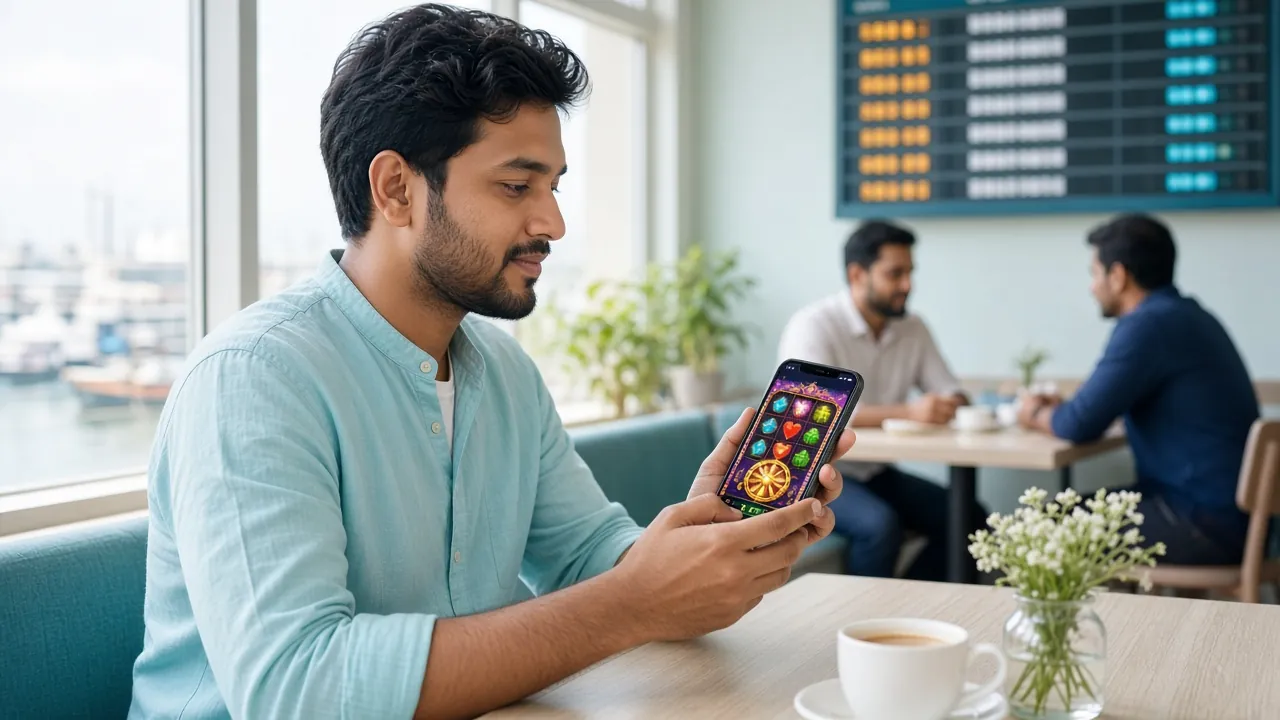
See It Running — and How iOS Users Can Access the App Too


The 5hiaa app opens straight to your last game — no typing URLs or clearing cache.
Your saved payment details stay in the app. Deposit in around 4 minutes without switching apps.
Get alerts when a reload offer or reload event goes live — you won't miss limited-time deals.
iOS Users: Add 5hiaa to Your Home Screen
There is no App Store listing. iPhone and iPad users can get a full-screen shortcut in four steps.
- Open Safari
Go to 5hiaa.net in Safari — not Chrome or Firefox. iOS only allows this method from Safari.
- Tap the Share icon
It looks like a box with an arrow pointing up. You will find it in the bottom bar of your browser.
- Choose "Add to Home Screen"
Scroll down the share sheet until you see this option. Tap it.
- Name it and confirm
Change the name to "5hiaa" if you like, then tap Add. The icon will appear on your home screen like any app.
How to Install the APK on Android
Your phone needs Android 6.0 or above. The whole process takes about two minutes. Follow these five steps exactly and you will not run into problems.
-
Allow installation from unknown sources
Go to Settings → Security (or Apps & Notifications → Special App Access on Android 8+). Enable "Install unknown apps" for your browser or file manager. You only need to do this once.
-
Download the APK file
Tap Download APK on this page. Your browser will save 5hiaa.apk to your Downloads folder. The file is 45 MB — on a 4G connection it should finish in under a minute.
-
Open the downloaded file
Open your file manager or pull down the notification shade and tap the completed download. If your browser asks for a confirmation, tap Open.
-
Tap Install and wait
Android shows an install screen with the app name and permissions summary. Tap Install. The process takes about ten seconds.
-
Log in or create an account
Open the app and tap Log In if you already have an account, or Register to create a new account and claim your first-deposit bonus. All your existing progress and balance carry over.
Only download from 5hiaa.net. The official download link on this page always points to /download/5hiaa.apk. Third-party APK sites may bundle malware. If you are not on 5hiaa.net right now, close this page and navigate directly to the official site.
Everything the Mobile App Puts on Your Screen
The 5hiaa app is not a stripped-down mobile site. It has the full game lobby, all payment options and account tools in one place.
Fast Login with Fingerprint
Use Android's biometric lock to skip typing your password every session. Enable it once in Settings > Security inside the app.
Deposits and Withdrawals In-App
Top up via bKash, Nagad, Rocket or Upay without leaving the app. Deposits clear in around 4 minutes. Withdrawals process in roughly 16 minutes.
Over 3,000 Games On Demand
Slots, fishing arcade, live dealer tables and card games from Red Tiger, JILI, Playtech, CQ9 and more — all inside one lobby.
Live Casino with Real Dealers
Stream Mini Baccarat, Teen Patti 20-20 and other live tables in HD. The app handles lower-bandwidth streams automatically on mobile data.
Push Alerts for Promotions
Receive instant notifications when reload bonuses, cricket-match specials or limited cashback events go live. Turn off in Android notification settings any time.
24/7 Live Chat Support
Tap the chat icon in the app to reach support directly. Available around the clock — useful when you are mid-game and need a quick answer.
5hiaa APK or Browser — Which One Fits Your Routine?
Both options use the same account and balance. The differences come down to speed, data usage and convenience. Here is an honest side-by-side.
| Feature | 5hiaa APK | Mobile Browser |
|---|---|---|
| Load speed | Faster — cached assets, no DNS lookup | Slower — full page reload each visit |
| Data usage per session | Lower — static assets stored locally | Higher — re-downloads scripts and images |
| Push notifications | Yes — bonus and event alerts | No |
| Biometric login | Fingerprint / face unlock | Password only |
| Installation required | 45 MB one-time install | Nothing to install |
| Works on iOS | Android only | Any iOS browser via home screen shortcut |
| Best for | Daily players, bKash/Nagad regulars, cricket nights | First-time visitors, iPhone users |
Either way, you can log in to the same account and your balance follows you across devices.
Running 5hiaa on an Older Phone or a Slow Connection
The app is built to run on mid-range and budget Android phones. If you are on 2G, 3G or a device with limited RAM, these settings help it run smoothly.
Low-Memory Android Devices
- Close background apps before opening 5hiaa. Even two open apps can slow slot loading on 2 GB RAM phones.
- Clear the app cache monthly: Settings → Apps → 5hiaa → Storage → Clear Cache.
- Keep at least 500 MB free on internal storage. The app needs working space beyond the 45 MB install size.
- Disable animations in Developer Options → Window/Transition animation scale → set to 0.5×.
Slow Network and Data-Saving Tips
- Use the "Low Quality" stream option in live casino settings when on 3G. The game still runs — the dealer video just loads at a lower resolution.
- Slots use less data than live tables. If your connection is weak, stick to slots or fishing games to avoid stream drops.
- Play during off-peak hours (early morning) for a more stable connection on shared networks.
- Switch to Wi-Fi before depositing or withdrawing. Payment steps should not be interrupted by a dropped mobile data signal.
What Permissions the 5hiaa App Requests — and Why
Android will show a list of permissions during or after install. Here is what each one is used for and whether you can deny it without breaking core features.
-
Internet AccessRequired
Loads games, processes payments and connects to live chat. The app cannot work without this.
-
VibrationOptional
Used for win notifications and bonus alerts. Purely cosmetic — denying it has no effect on gameplay.
-
Post NotificationsOptional
Sends push alerts for reload bonuses and account events. Disable in Android Settings → Notifications → 5hiaa any time.
-
Biometrics / FingerprintOptional
Enables fingerprint login. Only activated if you turn this on in-app security settings. The app does not store biometric data itself.
-
CameraOptional
Used only for document upload during the identity review process, which is required before your first withdrawal.
Download only from 5hiaa.net/5hiaa-apk/. The file at /download/5hiaa.apk is the only official build. APK files from Telegram groups, third-party stores or unofficial mirrors may request extra permissions not listed here.
When the Install Does Not Go Smoothly — Fix It in One Step
Most install problems have one clear cause. Use this table to match what you are seeing on screen to the right fix.
| Problem | Likely Cause | Fix |
|---|---|---|
| "Install blocked" or "Not allowed" | Unknown sources permission is off for the browser or file manager you are using | Go to Settings → Security → Install Unknown Apps, find your browser (Chrome/Firefox), and toggle it on. Then try opening the APK file again. |
| "Parse error" or "Problem parsing the package" | The APK file did not download completely, or the file was corrupted during download | Delete the incomplete file from Downloads, then download it again on a stable connection. Do not download over 2G if possible. |
| "Insufficient storage" | Less than about 150 MB of free internal storage | Delete unused apps, photos or cached files until you have at least 200 MB free, then try installing again. |
| App installs but crashes on launch | Android version is below 6.0, or RAM is under 1 GB | Check Settings → About Phone → Android Version. If below 6.0, the app is not supported on that device. Use the mobile browser version instead. |
| Download stalls at 0% or never starts | Browser is blocking the direct APK download link | Try a different browser — Chrome or Samsung Internet both handle APK downloads without extra confirmation steps. If still stuck, copy the link and open in a new tab. |
Still stuck? The 24/7 live chat inside the casino lobby can walk you through install on your specific phone model.
Questions About the 5hiaa APK — Answered Directly
Is the 5hiaa APK safe to download and install?
Yes, as long as you download it from this page at 5hiaa.net/5hiaa-apk/. The file at /download/5hiaa.apk is the only official build. It does not request any personal data beyond what is needed for account login and payments. Never install an APK from a Telegram link, third-party APK site or unofficial mirror — those files may have been modified.
What Android version do I need to run the app?
Android 6.0 (Marshmallow) is the minimum. Most phones made after 2016 meet this requirement. To check your version, go to Settings → About Phone → Android Version. If you are below 6.0, you can still access 5hiaa through the mobile browser by visiting 5hiaa.net in Chrome or Samsung Internet — the full game lobby works there too.
How do I update the app when a new version comes out?
The app shows a prompt when an update is available. Tap the update button inside the app and it will download the new APK automatically. Alternatively, come back to this page and download the latest file — installing over an existing version preserves your account, balance and settings. You do not need to uninstall first. The current version is 2.6.12, updated 14 November 2026.
Can I use the same account on the app and the browser version?
Yes. Your 5hiaa account, balance and transaction history are stored on the server, not on your device. Log in with the same username and password on the app, mobile browser or desktop browser and everything stays in sync. If you are registering for the first time, create the account once and then use those credentials everywhere.
Does installing the APK cost anything or use my storage permanently?
The download and install are completely free. The installed app uses approximately 45 MB of storage. Over time the app may accumulate cached data — you can clear this in Settings → Apps → 5hiaa → Storage → Clear Cache without losing your account or game progress. The app itself does not expand significantly beyond the initial install size during normal use.
Why does Android say the file is from an "unknown source"?
Android labels any APK that does not come from the Play Store as an "unknown source" — this is a default security warning, not a sign that the file is harmful. The 5hiaa app is distributed directly because Play Store policies restrict real-money gaming apps in many regions. The warning is expected; you just need to grant install permission to your browser once in Settings → Security → Install Unknown Apps, then proceed normally.
Ready to Play? Download and Open in Two Minutes
Install the 5hiaa APK now. If you do not have an account yet, register free after install and your first deposit is matched at 145% up to ৳9,500. Minimum first deposit ৳500. Wagering requirement ×16.
18+ · Play Responsibly · v2.6.12 · 45 MB · Android 6.0+